
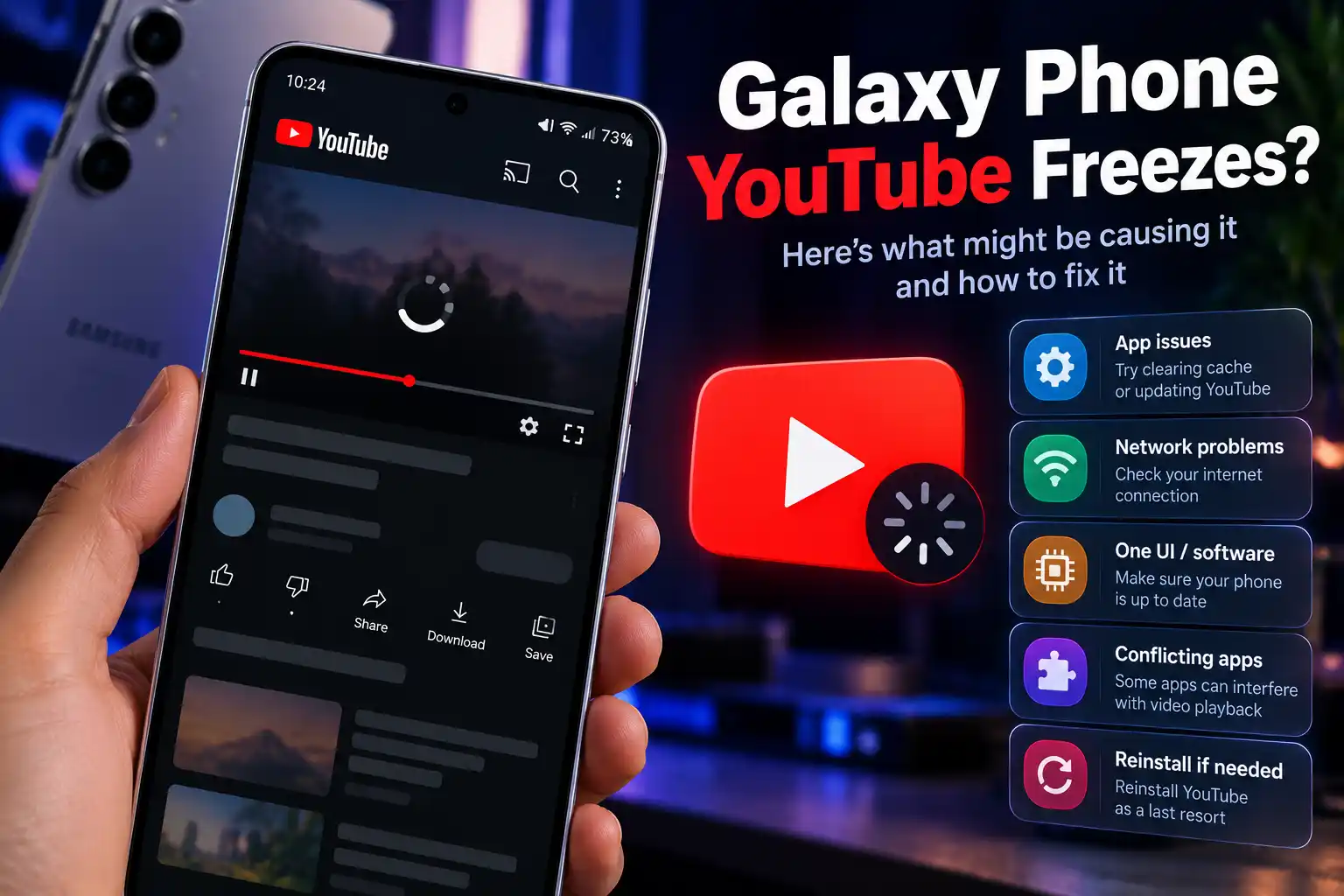
Galaxy Phone Users Report YouTube Freezing Issues: What You Need to Know
A growing number of Samsung Galaxy phone owners are reporting playback glitches and app freezing issues while using the YouTube app. First highlighted in threads on Samsung’s official community forums, the bug appears to affect multiple Galaxy models rather than being restricted to a single device.
Here is a breakdown of what is happening and how to temporarily resolve the issue.
1. What Is Happening?
According to affected users, the glitch typically occurs during multi-tasking or app navigation:
-
Triggering the Freeze: Navigating away from the YouTube app while a video is actively playing (or playing in Picture-in-Picture mode) and returning to the app can cause the video player or full user interface to lock up entirely.
-
Audio/Visual Mismatch: In some cases, audio continues playing in the background while the visual video feed remains completely frozen on a single frame.
-
Impacted Models: Reports suggest the issue isn’t isolated to new flagships, with owners across various Galaxy S-series and A-series devices encountering the glitch.
2. Potential Workarounds and Fixes
Neither Samsung nor YouTube has released an official patch yet, but affected users can try several standard troubleshooting steps to clear the freeze:
-
Force Stop the App: Long-press the YouTube icon, tap the “i” (App Info) icon, and select Force Stop. Relaunch the app to restore normal playback.
-
Clear App Cache: In the same App Info menu, navigate to Storage and tap Clear Cache to remove temporary corrupted files.
-
Reinstall / Roll Back Updates: If the issue persists, uninstall recent YouTube app updates via the Google Play Store (or disable and re-enable the app) to revert to a stable base build.
-
Disable Hardware Acceleration / Battery Optimization: Ensure YouTube is not set to “Deep Sleeping” status under Samsung’s Battery and Device Care settings, which can aggressively freeze background media processes.
Key Takeaways
If YouTube is freezing or locking up on your Samsung Galaxy smartphone, you aren’t alone. As reports build on community forums, a future app update from YouTube or a system patch from Samsung should permanently address the navigation glitch.