

TL;DR
- Google is swapping the search UI on Pixel phones with a more generic one.
- It now uses the same search interface as on every other Android device.
- Google says the change enables quicker access to AI Mode.
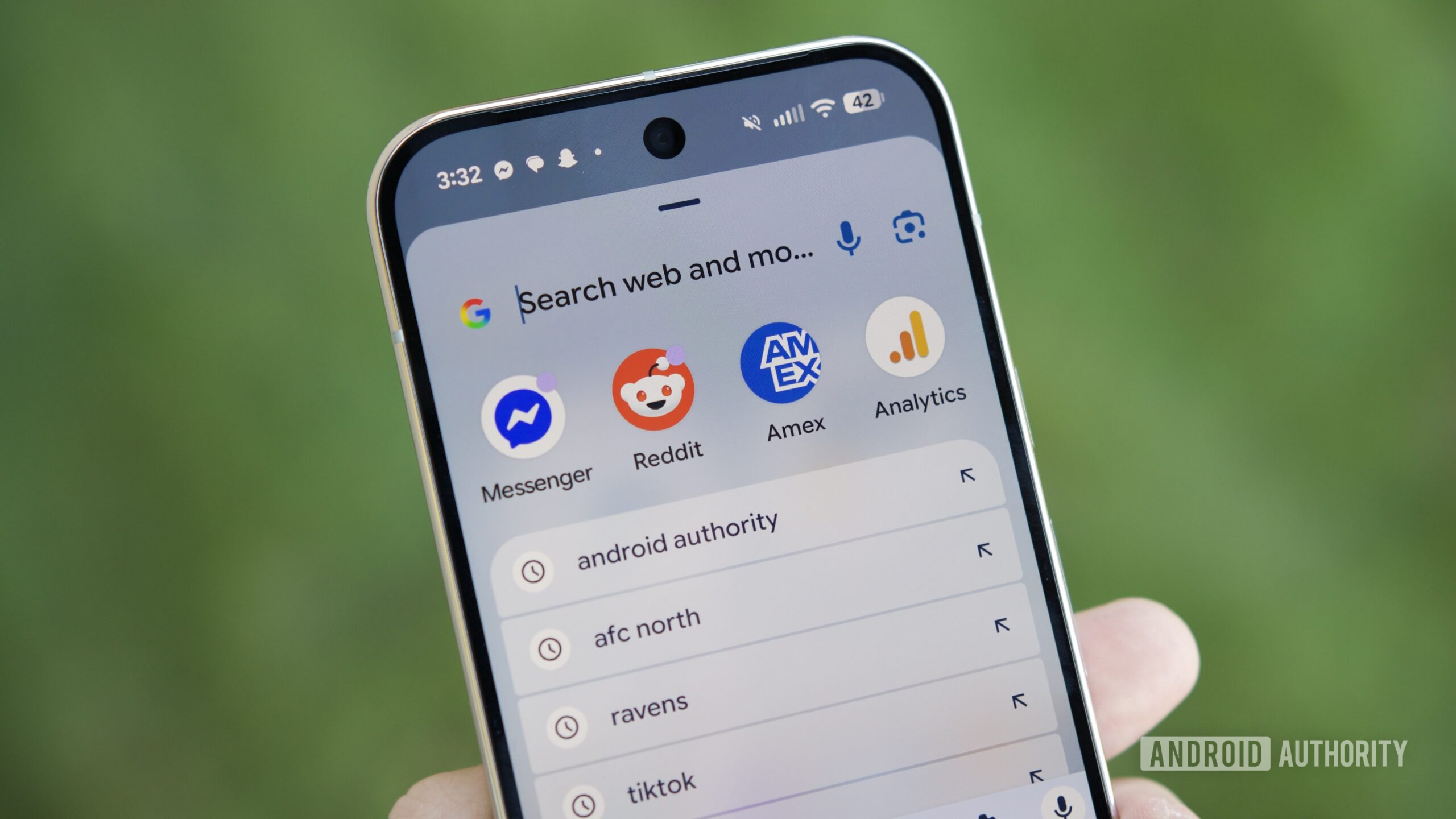
For a long time, the unique search interface has been a characteristic part of the Pixel experience. Instead of launching the Google app, as it does on other Android devices, tapping the search bar on Pixel phones has traditionally opened a unique search overlay that also enables searching for apps, local files, and contacts, and offers a shortcut to search the web in a relatively modern interface.
Unfortunately, if you liked that interface, you’d be disheartened to know it is going away. Instead of the unique interface, Google is replacing it with the search screen we’re used to seeing on other non-Pixel devices.
This change is hitting Pixel users right now (mid-December 2025), and the consensus in the tech community is a resounding “No, thanks.”
As part of the November 2025 Pixel Feature Drop that is now widely rolling out, Google has intentionally replaced the Pixel Launcher’s native “Unified Search” with a full-screen interface powered directly by the Google app.
Why it feels like a downgrade
For years, the Pixel’s search bar was a “Global Search” tool that felt like part of the phone’s DNA. This new update breaks several things that users loved:
-
Lost Device Search: You can no longer search for Contacts or Settings (like toggling Wi-Fi or Bluetooth) directly from the home screen bar. It has essentially become a web-search-only tool.
-
Full-Screen Takeover: The old search used a sleek, translucent overlay that kept your wallpaper visible. The new one is an opaque, full-screen white (or dark) block that looks identical to the Google app on any other generic Android phone.
-
Clutter & AI Pushing: The primary goal of this change is to surface “AI Mode” and Gemini journeys more aggressively. This means the search bar is now crowded with more icons (Lens, Voice, and the new AI Mode button), leaving less room to actually tap and type.
-
Speed: Because it now has to launch the heavy Google app rather than a lightweight launcher overlay, many users are reporting a slight but noticeable lag when tapping the bar.
Google’s Stance
Google has confirmed this is not a bug but a deliberate feature. They claim this “upgraded” experience allows for “faster access to AI Mode” and a more consistent search experience across the Google ecosystem.
Is there a workaround?
If you hate the new look, you haven’t totally lost the old search yet, but it’s buried:
-
The App Drawer: Swiping up to open your app drawer still uses the old, fast on-device search bar at the top (for now).
-
“Swipe Up” Shortcut: You can go to Home Settings > Search your phone and ensure “Swipe up to start search” is enabled. This often preserves the original layout that users prefer.
This move is being widely criticized as “erasing the Pixel’s identity” to turn the home screen into a billboard for Google’s latest AI products.