
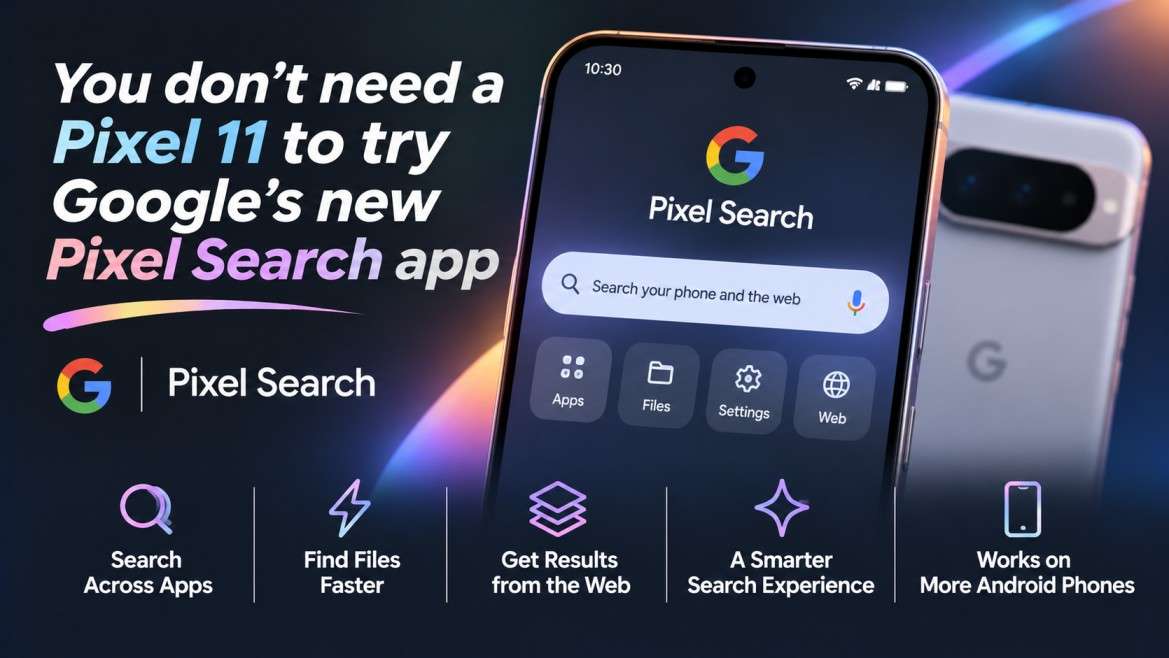
Unlocking Universal Search: You Don’t Need a Pixel 11 to Try Google’s New Pixel Search App
When Google launched the Pixel 11 lineup, one of the quietest yet most useful additions wasn’t a flashy generative imaging tool, but an overhaul of device-wide discovery: the new Pixel Search companion app.
By breaking universal search out of legacy framework bottlenecks into a standalone package, Google turned the app drawer into a true personal command center—indexing Drive files, Gmail threads, Google Photos, calendar entries, and screenshots right alongside local apps.
Officially, Google rolled out the utility as a hardware exclusive for its newest flagships. But as the Android modding community quickly proved, you don’t actually need a Pixel 11 to get it running.
What Pixel Search Actually Does
For years, the Pixel Launcher’s in-drawer search bar was frustratingly basic: it could find installed apps, web shortcuts, contacts, and basic system settings. Searching for a specific document or image still meant manually launching separate apps.
The standalone Pixel Search utility (
com.google.android.apps.pixel.launcherconnector) unifies those silos into a single query line:-
Account-Wide Indexing: Surfaces relevant emails from Gmail, files stored in Google Drive, and photo matches directly under app search results.
-
Cross-App Communication: Connects with Google Messages, Pixel Screenshots, and Google Calendar in real time.
-
Multi-Account Controls: For users balancing work profiles or multiple Google accounts, search settings allow you to explicitly define which account Drive and Gmail queries pull from.
How Older Pixels Are Running It Today
Because Google architected Pixel Search as an unbundled APK updated via the Play Store rather than hard-coding it into immutable base OS firmware, sideloading opened the door:
-
The Software Prerequisite: The app depends on updated system API bindings introduced in Android 17. Older Pixel handsets (such as the Pixel 9 and Pixel 10 generations) running recent Android 17 builds—specifically Android 17 QPR2 Beta 5 or newer—already contain the necessary framework connectors.
-
Sideloading the APK: Grabbing the verified, signed Pixel Search APK from mirrors like APKMirror and installing it on eligible hardware hooks straight into the existing Pixel Launcher interface.
-
No Root Required: Because it is an official Google package signed with release keys, enabling it doesn’t require unlocked bootloaders or system modifications; once installed on a compatible build, the expanded search sources automatically populate inside launcher settings.
The Catch: Drawer vs. Homescreen Placement
Even on supported hardware, user reactions to Pixel Search have been a mix of praise and interface frustration:
-
Hidden in the App Drawer: The expanded universal search only triggers when opening the app drawer search bar.
-
The Homescreen Disconnect: The persistent Google search widget glued to the bottom of the homescreen remains separate, defaulting to general web queries and AI Mode shortcuts rather than local personal search.
-
The Muscle-Memory Fix: Power users have circumvented this friction by toggling the launcher option to automatically pop open the keyboard whenever they swipe up from the homescreen, cutting down the taps needed to trigger a unified query.
The Takeaway
Artificial exclusivity has become a standard playbook for selling incremental hardware upgrades, but unbundling core features into standalone apps cuts both ways.
By building Pixel Search as an independent app layer, Google made its universal search easier to update and iterate on—and in the process, gave older Pixel owners a simple, sideloadable path to enjoy the upgrade without spending a grand on new silicon.