

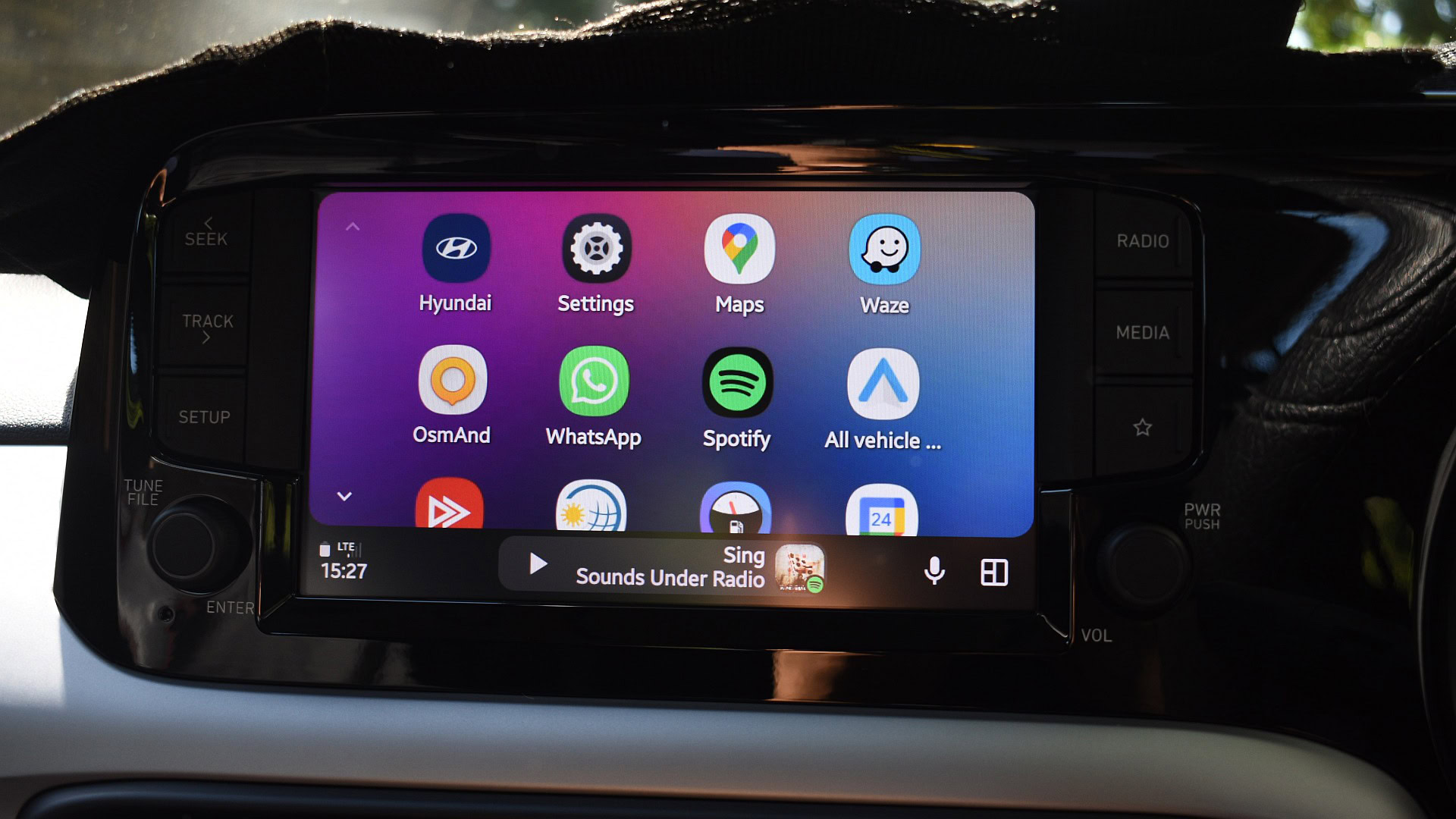
TL;DR
- Android Auto is preparing to add home screen widgets.
- The feature is codenamed “Earth” and will allow users to add widgets from their phone apps directly to the Android Auto dashboard.
- Some widgets already work well, like Pixel Weather and Clock’s Stopwatch, giving us a glimpse of what future Android Auto customizations could look like.
Taking cues from Android phones, Android Auto appears to be preparing to introduce home screen widgets. This new feature will let users add widgets from their mobile apps directly to their Android Auto dashboard. Codenamed “Earth,” the feature is still under development. However, despite its current limitations, we managed to get it working and can now show you how the whole process of adding widgets to your Android Auto home screen will work and what these widgets could look like when they finally arrive.
This is an exciting exclusive!
Android Auto is indeed preparing to introduce home screen widgets as part of a feature currently codenamed “Earth.”
Here are the key details about the upcoming feature:
- Functionality: It will allow users to add widgets from their mobile apps directly to their Android Auto dashboard.
- Layout: When a widget is active, the Android Auto home screen will split into two panels. The widget will occupy roughly 35-40% of the screen width on one side, with the other apps and content taking up the rest.
- Current State: The feature is still under development, but some widgets like Pixel Weather and the Clock’s Stopwatch are already working well.
- Limitations (in its current unreleased state): Users are currently limited to selecting only one home-screen widget at a time.
- Access (in testing): The settings for this feature are currently found under Settings > “Customize Earth.”
This marks a significant step in allowing for more customization beyond the existing “Taskbar Widgets” (for media playback) and custom shortcuts.